
Check
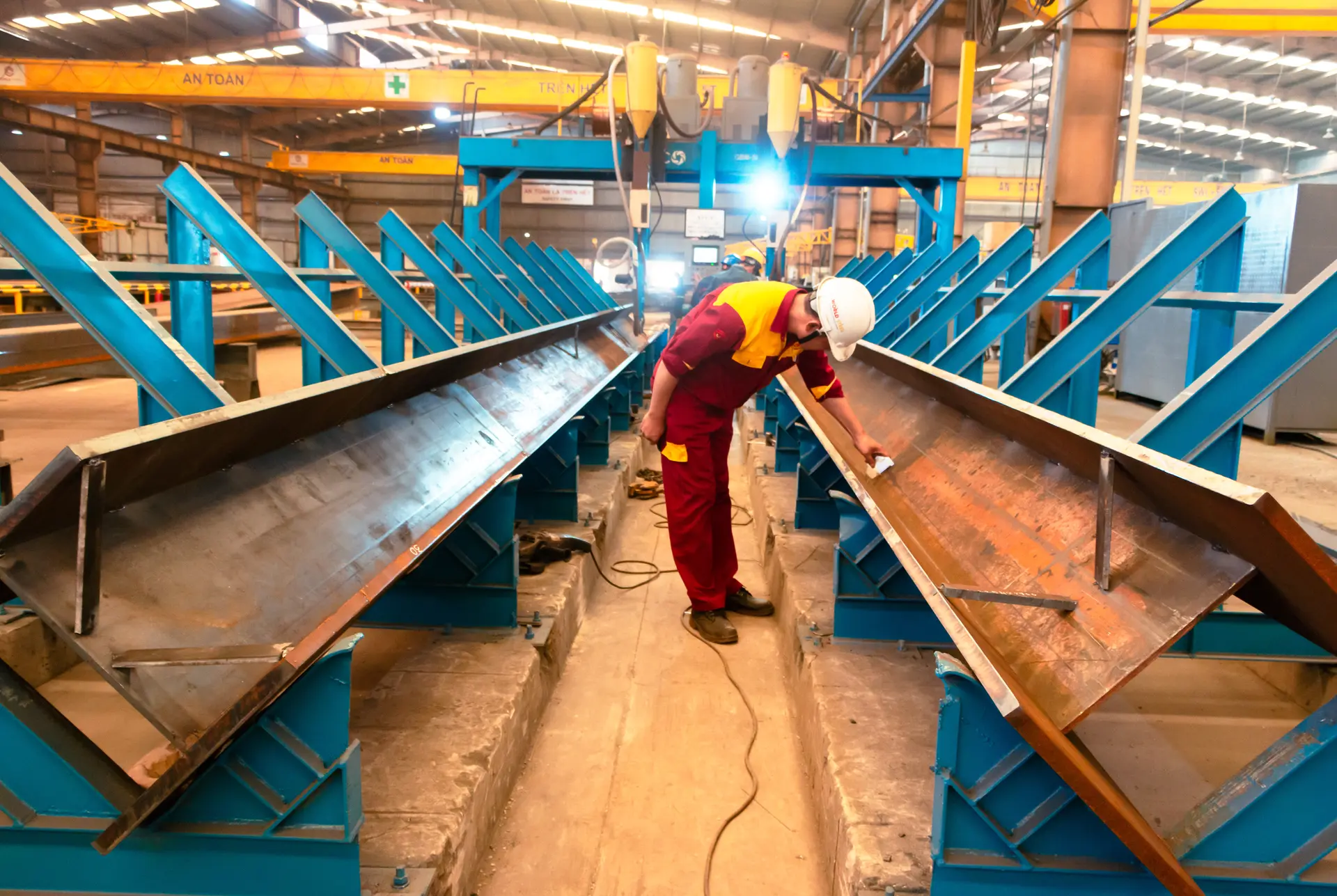
Open the quality file of any piece: mill certificate and heat number, weld and NDT reports, blasting grade and paint thickness readings, each with photos. Join hold-point inspections by video instead of flying in.
World Steel technology
One secure login shows you what our engineers, fabricators and QC inspectors see: the 3D model, the status of every piece, inspection records, shipments and erection guidance – from approval drawings to handover in Thailand.
Why PEB Studio
Buying a steel building from abroad often means waiting for photos on chat and hoping the schedule holds. PEB Studio replaces that with facts. It connects you to the same project data our team works from in the factory in Tay Ninh, so you can check quality, follow progress and make decisions on time – from Bangkok, Rayong or the job site.
Live activity
Check · Monitor · Control
Open the quality file of any piece: mill certificate and heat number, weld and NDT reports, blasting grade and paint thickness readings, each with photos. Join hold-point inspections by video instead of flying in.
Follow progress piece by piece and phase by phase, with a daily photo feed from the line, plan-versus-actual S-curves and the position of every container on its way to site.
Approve shop drawings and revisions online, comment directly on the 3D model, release lots for painting or shipping and raise change requests – every decision is logged with name and time.
Modules
Overall progress, milestones, open actions and the next shipment on one screen.
The IFC model of your building, coloured by status, so you see what is cut, welded, painted, shipped or erected.
Each piece is scanned at every workstation, so progress is recorded as it happens.
Inspection and test plan, reports and certificates organised per piece and per lot.
Packing lists, container loading photos and documents for CIF or DDP delivery to Thailand.
Erection drawings, sequence and a field issue log answered by our engineers.
Piece journey
Every column, rafter and bracing has its own record. This is what you see in PEB Studio at each stage.
Shop drawing, revision and your approval stamp
Plate or section with mill certificate and heat number
CNC cutting record and dimensional check
Welder ID, WPS and visual inspection
UT / MT results to the agreed acceptance level
Surface grade Sa 2.5 and roughness check
Paint system, batch and DFT readings
QR tag, bundle and packing list line
Container number, seal and ETA
Site check-in and erection progress
Real-time reports
Because the data is captured on the factory floor, reports are always current. Download them as PDF or Excel, or have them sent to your inbox.
Pieces and tonnage finished per workstation, with photos.
Plan versus actual by phase, with forecast completion.
ITP, inspection reports, NDT and DFT records, certificates.
Non-conformities, root cause and corrective action.
Packing list by piece mark, loading photos, weights.
Pieces erected, issues raised and resolved.
Erection support
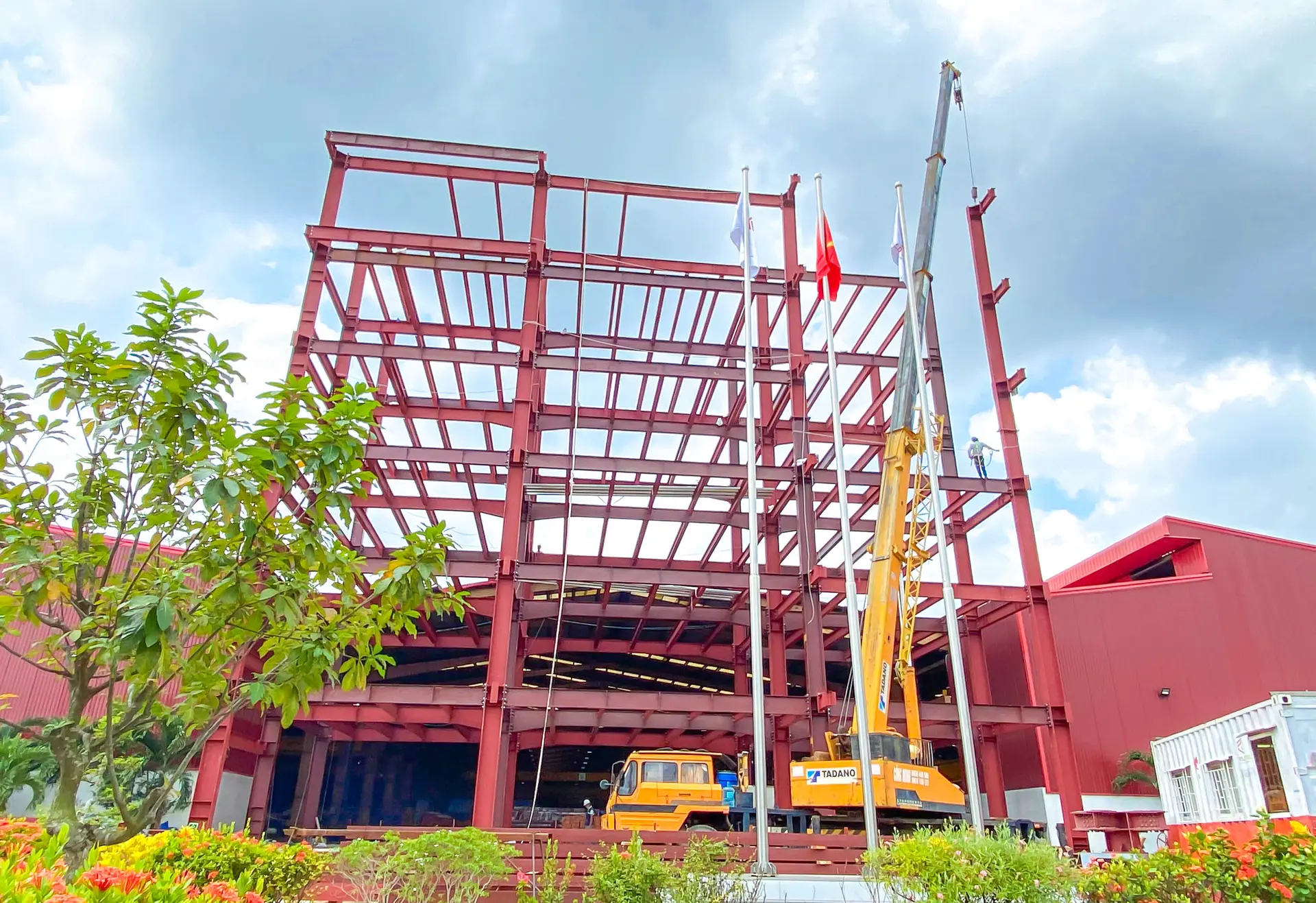
Containers are loaded in erection order where possible, and every piece carries a QR tag. On site in Thailand, your crew scans a tag to see the piece in the 3D model, its drawing and where it is installed – no more searching through stacks of steel.
See it working
PEB Studio is built on the same open IFC model we deliver with every project. Open our 30 × 60 m demo building, take it apart layer by layer and click any member to see its properties.
Open the 3D modelAccess & security
Progress, milestones, quality summary, shipments and approvals.
Drawings, schedules, packing lists and erection planning.
Calculations, ITP, inspection and NDT records, NCRs.
QR piece finder, erection sequence, bolt lists and issue log.
Getting started
Your project is created with its schedule, scope and team.
Logins for everyone you nominate, set up by role.
A short online walkthrough in English or Thai.
Follow the project from approval drawings to the as-built file.
FAQ
Yes. Every World Steel project for Thailand gets PEB Studio access for the owner and the team they nominate, at no extra cost.
No. PEB Studio runs in a normal web browser on phone, tablet or PC. The QR piece finder uses the phone camera.
Yes. Add them as users with the consultant role. They can review records and join hold-point inspections by video.
Fabrication steps are recorded as pieces are scanned at each workstation, so progress and QC records appear as the work is done.
Yes. Ask for a demo account and we will open a sample project so you can see every module with real data structures.
Send us your drawings or requirements. We will quote the building and open a demo account so you can see how it will be tracked.